

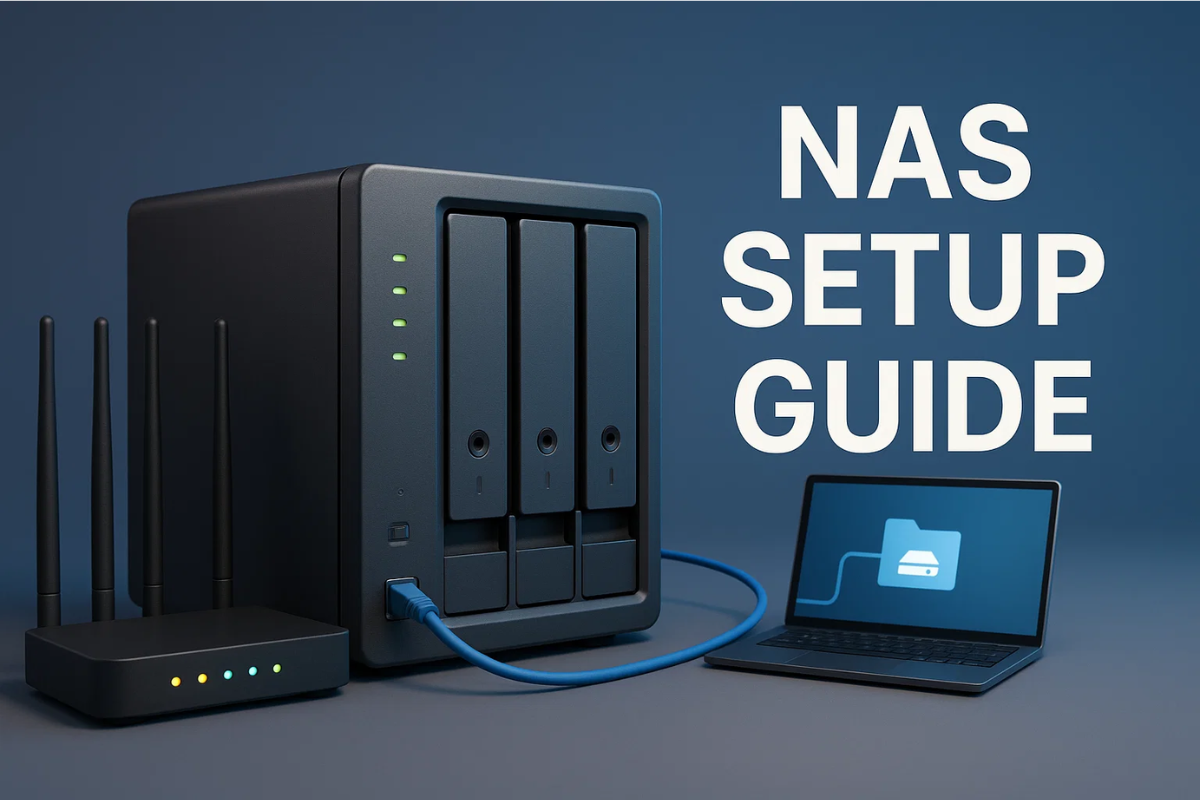
Doing a first-time NAS setup is less “server room vibes” and more “give your files a safe home that is not one spilled latte away from disaster.” A NAS is just a small box on your network that stores files and shares them to your PCs, phones and TVs. The trick is setting it up once, correctly so it stays boring and reliable.
OpenMediaVault is a great first NAS OS because it is literally built to be a NAS, runs on Debian Linux, and gives you a full web admin interface with familiar sharing options like SMB/CIFS and NFS. For a simple DIY build, think “old PC + 2 drives + gigabit Ethernet” then install OMV using the official installer path.
Before you click anything, decide what you want this NAS to do in its first week: shared family folder, PC backups, media library or all three. Also remember: RAID is about surviving a drive failure, not about saving you from accidental deletes, ransomware, or you dragging the wrong folder to the trash.
If you want some basics on Network Access Storage, Read here: NAS 101
OpenMediaVault 7 Setup Guide That Actually WORKS!
Checklist: First-time NAS Setup in 30–60 minutes
| Step | What to do | Why it matters |
| 1 | Install OMV on a dedicated boot drive | Keeps the OS separate from your data drives. |
| 2 | Update OMV, reboot once | Prevents “first-day bugs” and security issues. |
| 3 | Create a storage filesystem and mount it | This is where your shared data actually lives. |
| 4 | Create Shared Folders | OMV services (like SMB) point to these. |
| 5 | Create users and groups | Avoids everyone logging in as admin. |
| 6 | Set Shared Folder privileges | Controls who can read/write each share. |
| 7 | Enable SMB/CIFS and publish your shares | Makes the NAS show up on Windows and most home networks. |
| 8 | Map the share on your main PC | Turns it into a normal drive you will actually use. |
| 9 | Set a basic backup plan | RAID is not backup. Keep a second copy somewhere else. |
| 10 | Do a quick security pass | Strong admin password, least privilege, and avoid exposing it to the internet. For more safety basics, browse Networking & Security. |
If you want one extra “do not regret this later”. Read The Dark Web Exposed and then make sure your NAS admin password is unique. Reused creds are the easiest way to turn a NAS into a hostage note.
For a first-time NAS setup, a DIY OpenMediaVault build is the sweet spot if you want simple sharing, low cost and a clean web UI. Keep it basic at first: shares, users, permissions and one real backup. Once it is stable, then you can play with extras like remote access and apps.

Pingback: Best NAS Hard Drives for 2025 for Home Servers - The Circuit Daily | Elite Tech Insights