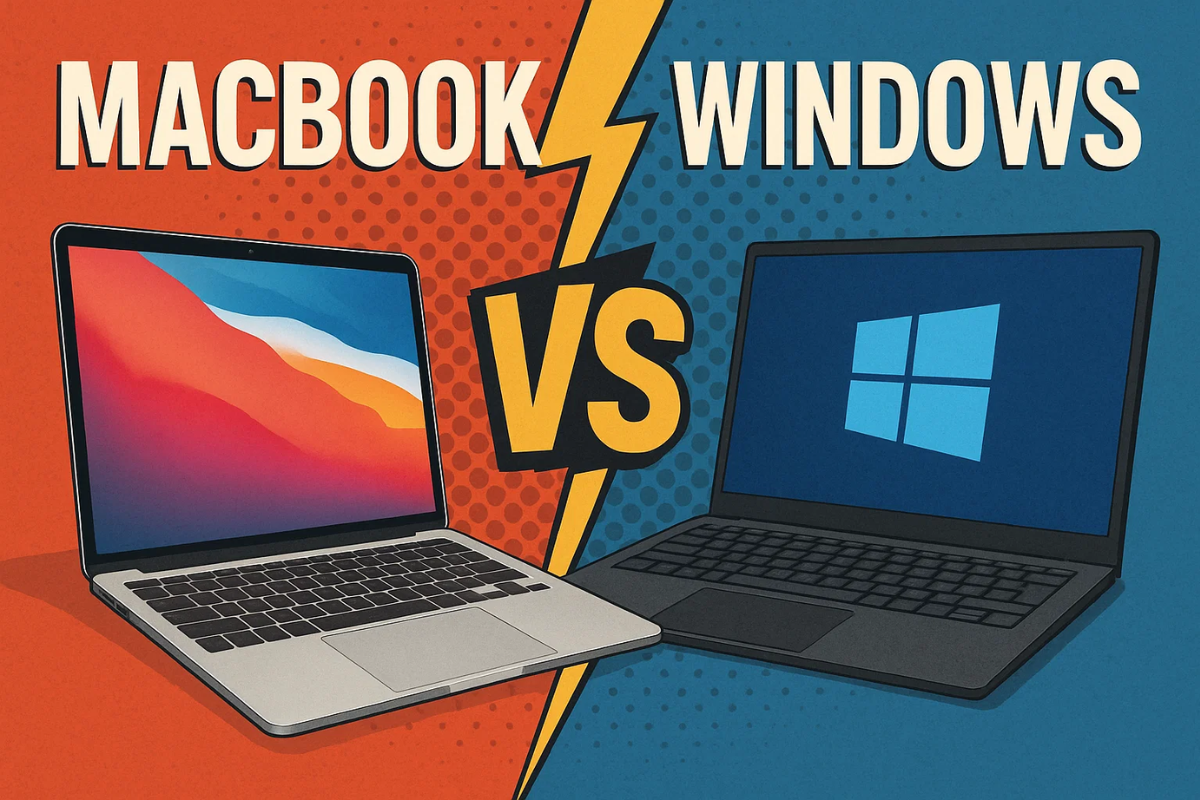
If you are doing real remote work in 2025, the Apple MacBook vs Windows Ultrabook debate is not about logos. It is about whether your laptop can survive a full day of Zoom, docs, and way too many Chrome tabs without fans screaming or meetings freezing. Both sides now offer thin, premium machines with great screens and long battery life, but they solve remote work pain points in slightly different ways. This guide walks through those tradeoffs so you do not guess based on vibes alone.
At a high level, Apple’s M3 and M4 MacBooks are still the default recommendation in many remote work and laptop roundups, mostly because of their battery life, build quality, and consistently good webcams and mics. On the Windows side, machines like the Dell XPS 13, Lenovo ThinkPad X9 or P1, HP Spectre x360 and newer Snapdragon based Surface and Yoga laptops have caught up on screens and portability, and they often win on ports, price options, and app compatibility in corporate environments. If your job is mostly browser, docs, chat, and calls, both camps can absolutely work. The right choice depends on what else you do and how locked into a platform your company already is.
A Quick Watch Before You Choose
This video gives a good reality check on the day to day differences in 2025 rather than just benchmarks and fan wars.
MacBook vs Windows Laptop 2025 | Best Laptop for You
| Platform | 2024–2025 | Why people pick it for remote work |
| macOS | MacBook Air M3 / M4 | Light, quiet, excellent battery, strong webcam, simple OS |
| macOS | MacBook Pro 14 M4 | Better screen, more ports, best all round work from home experience |
| Windows (Intel/AMD) | Dell XPS 13 (2024) | Premium build, very portable, strong battery, minimal design |
| Windows (Intel/AMD) | Lenovo ThinkPad X9 15 or P1 Gen 7 | Great keyboard, more ports, upgradeable memory and storage |
| Windows (ARM) | Surface Laptop 7 or Yoga Slim 7x (Snapdragon) | Long battery, cool and quiet, improving app support |
Battery life and Portability
On the Mac side, the MacBook Air M3 and newer Air M4 are widely described as near ideal remote work laptops. They weigh around 2.7 pounds and can realistically push a full workday off charger, often into the 10 to 15 hour range depending on how hard you lean on video calls and heavy apps. The 14 inch MacBook Pro M4 takes that further with around 15 to 16 hours of web browsing in independent tests, while still having headroom for heavier workloads without fans constantly spinning.
Windows ultrabooks have caught up significantly. RTINGS and other reviewers regularly measure 11 to 13 hours of light use on machines like the Lenovo ThinkPad X9, Acer Swift Go and Dell XPS 13 2024, with some Spectre and Zenbook models pushing close to that as well. However, battery life is more variable between models and configurations, and some powerful Windows ultrabooks drop off faster during video calls or multi monitor setups than a comparable MacBook. For remote workers who move around the house or work in cafes, both can be fine, but Macs still win on consistent unplugged endurance.
Displays & Webcams
Remote work is mostly staring at text, slides and people’s faces, so screens and cameras matter more than raw GPU specs. The latest MacBook Air and Pro models ship with sharp 13, 14, 15 and 16 inch Retina or Mini LED displays that get bright enough for use in a sunny room, with accurate colors and good viewing angles. The MacBook Pro 14’s Mini LED panel is especially praised for brightness and HDR, which makes it good for both calls and creative work.
Webcams and mics are an area where Apple still has a comfortable lead. MacBook webcams are consistently described as sharp, with good skin tones and decent low light performance, and the built in mics are good enough that many users skip an external mic entirely. On Windows ultrabooks the story is more mixed. Devices like the ThinkPad X9 and P1 offer excellent 1440p webcams and solid speakers, but others such as older XPS 13 models and cheaper ultrabooks still carry 720p or noisier cameras. If your calendar is full of Zoom or Teams calls on flaky lighting, Macs are the safer default, while premium Windows machines can match them if you choose the right ones.
Keyboards, Trackpads and Ports
For long typing sessions, both ecosystems have strong options. MacBook Air and Pro keyboards are well regarded after the butterfly era ended, and the haptic glass trackpads are still the benchmark for cursor control and gestures. Many Windows ultrabooks have caught up on keyboard feel. ThinkPads, HP Spectre and some Zenbooks are praised for comfortable layouts and key travel, though ultra minimal designs like the XPS 13 2024 sometimes trade comfort for aesthetics with edge to edge keycaps or invisible trackpads that take adjustment.
Ports are where Windows shines. A MacBook Air gives you two USB C ports and a headphone jack, so you will often rely on a hub if you use an external display, webcam and storage. The MacBook Pro 14 adds HDMI, SD and more Thunderbolt, which helps a lot, but you still cannot upgrade RAM or storage later. Windows ultrabooks like the ThinkPad X9, Acer Swift Go or many Asus and HP machines often include a mix of USB C, USB A, HDMI, sometimes SD, and on some models user replaceable storage and memory, which future proofs them a bit better for long remote careers.
Software, Ecosystem and Compatibility for Remote Work
If your remote work happens mostly in Google Workspace, Slack, Notion, Figma, Zoom and a browser, both macOS and Windows are perfectly serviceable. macOS tends to feel more cohesive, with first party apps and many popular tools offering polished native clients that benefit from Apple Silicon efficiency. Remote worker and digital nomad guides often highlight the MacBook Air for this reason: it behaves like a quiet, predictable appliance that rarely needs tinkering.
The moment you deal with corporate environments, specialized software or heavy Excel usage, Windows still has real advantages. Work from home buying guides point out that while Macs are excellent for managers and content focused roles, they can create friction in Windows heavy workplaces where VPN clients, legacy line of business apps, custom plugins or Access based tools assume Windows. If your company standardizes on Microsoft 365, uses a lot of custom internal tools or expects domain joined devices, a Windows ultrabook will integrate more smoothly and your IT team will be happier.
On the flip side, if you already live in Apple’s ecosystem with iPhone, iPad and AirPods, the continuity features on macOS save small chunks of time all day: AirDrop for files, Handoff for browser tabs and calls that follow you between devices. That quality of life stack is hard to replicate on Windows without extra services.
Price, Value and Lifespan
In 2025, the entry point into Apple’s world is usually the MacBook Air M3 or M4, which remote work and student laptop roundups often describe as the sweet spot between performance, battery and price. They are not cheap, but you are paying for a premium chassis, display, and years of OS support. The downside is that upgrades are expensive and non user replaceable, so most remote workers should stretch to 16 GB of RAM and at least 512 GB storage up front, which raises the real cost significantly.
Windows ultrabooks span a wider range. At the top, ThinkPad X9, XPS, Spectre and premium Zenbooks are priced similarly to MacBooks, but you can find well reviewed mid range options like Acer Swift Go and some Vivobook or Yoga models that deliver solid remote work performance for much less, sometimes with upgradeable storage or RAM to extend their life. At the budget end, there are also compromises: dimmer screens, weaker webcams and shorter battery life. Cheap Windows laptops can look like ultrabooks in photos but feel very different in daily remote use.
If you want a second opinion from within The Circuit Daily universe, it is worth browsing the Laptops section on TheCircuitDaily for our deeper dives on MacBooks and Windows notebooks, especially the M4 MacBook Air and quirky Windows experiments like the “headless laptop” trend.
Recap: Which is Better for Remote Work?
| Question | MacBook (Air / Pro) | Windows ultrabook |
| All day battery and quiet operation | Strong win, especially Air M3 / M4 and Pro 14 M4 | Good on premium models, more variable overall |
| Video call quality | Very good webcams and mics out of the box | Great on some models, mediocre on cheaper or older designs |
| Ports and external monitors | MacBook Pro is solid, Air needs a hub | Often more built in ports and better variety |
| Corporate and legacy software | Sometimes friction in Windows first environments | Safest choice for enterprise VPNs, custom apps, heavy Excel |
| Touch and 2 in 1 options | Basically none, unless you count Sidecar with iPad | Wide range of convertibles and touchscreen laptops |
| Price flexibility and upgrades | Tight, with expensive non replaceable upgrades | Wider price range, more user upgradeable options in some models |
| Ecosystem perks | Excellent if you already use iPhone, iPad and other Apple gear | Better if you rely on Windows only apps and non Apple mobile devices |
For most solo remote workers, freelancers and digital nomads who live in mainstream apps, a MacBook Air M3 or M4 is the easiest recommendation. It gives you reliable all day battery, strong call quality and a polished OS that fades into the background so you can focus. If you routinely handle heavier workloads or care a lot about screen quality and extra ports, the MacBook Pro 14 M4 is arguably the best all round remote work laptop you can buy right now.
However, if your company runs on Windows only software, complex Excel models, specialized enterprise tools or you simply want more hardware choice, a good Windows ultrabook is the smarter move. Pair something like a Dell XPS 13, Lenovo ThinkPad X9 or HP Spectre x360 with 16 GB of RAM and decent storage and you get a flexible machine that plays nicely with corporate IT, multiple monitors and a wider universe of accessories.
Put simply: choose MacBook if you value battery life, polish and ecosystem, and choose Windows ultrabook if your job lives in Windows, you want touch or 2 in 1 flexibility, or you like upgrading and tinkering. The wrong choice is not Mac versus Windows. The wrong choice is buying the cheapest thing that looks thin without checking how it will survive your next eight hour video call day.