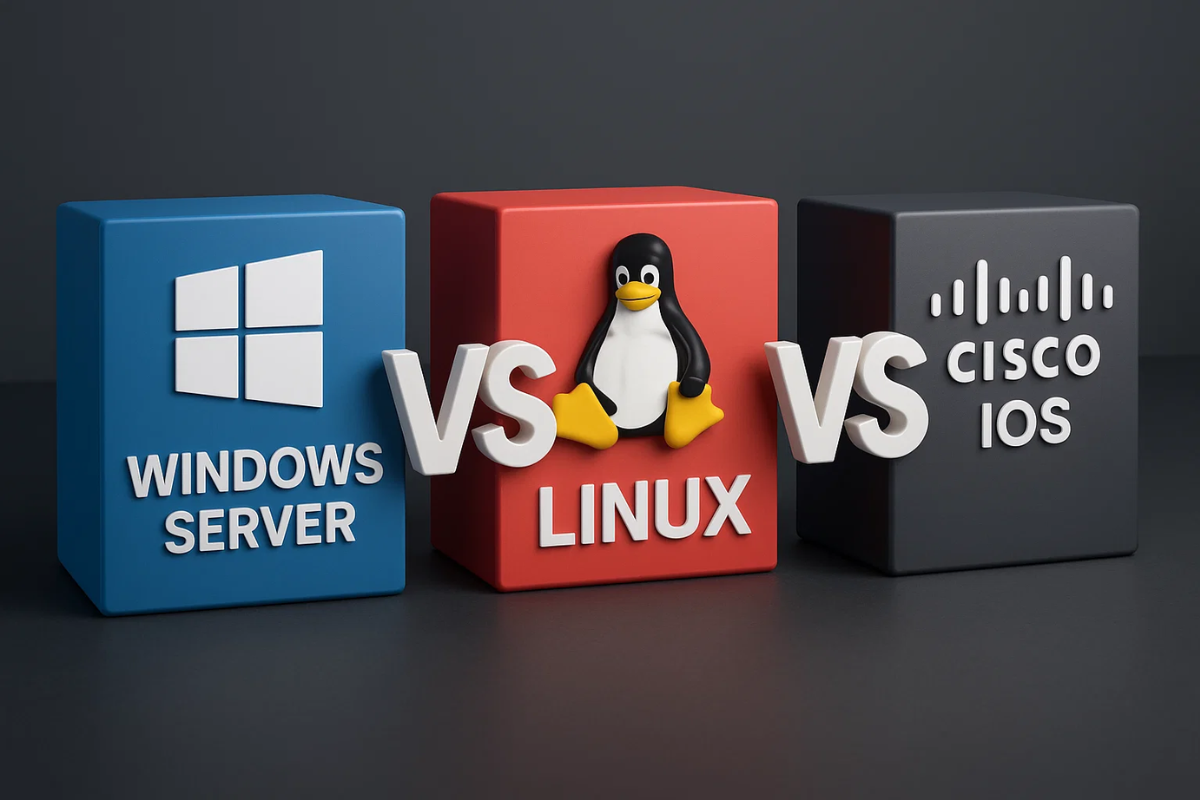
A network operating system sounds like a single product you install and suddenly your Wi-Fi gets smarter, but in 2025 it is more like a job title. The software that runs key network services (users, access, files, routing) and keeps devices talking. The confusing part is that “NOS” can mean server OS (Windows Server / Linux) or the OS inside network gear (Cisco IOS).
Windows Server is the “office network brain” option: it runs the stuff companies depend on, like identity (Active Directory), policies, file sharing, DNS/DHCP, and secure remote access. Microsoft positions Windows Server as an enterprise platform for running and securing apps, services and workloads across on-prem and hybrid setups, and Windows Server 2025 adds security/hybrid improvements (for example, SMB over QUIC enhancements). If you’re building a lab then pair it with our quick starter on home network troubleshooting so your “learning DNS” doesn’t become “why is everything broken.”
Learn Microsoft Active Directory (ADDS) in 30mins
https://www.youtube.com/watch?v=85-bp7XxWDQ&list=PL9rNLVeb5qvuiiFh_0JV1FPa6kNoIze8o
Linux is the “runs everywhere, bends to your will” NOS vibe: it powers web servers, databases, firewalls, containers, and a ton of cloud infrastructure because it’s flexible, scriptable, and doesn’t require a licensing pep talk. A Linux server is simply a server running a Linux OS, designed to handle demanding services like web and database workloads. In practice, Linux becomes your NOS when you’re hosting DNS, DHCP, VPNs, monitoring, reverse proxies, then automating it so you don’t have to babysit it at 2 a.m. (Your future self will thank you.)
Linux Crash Course – Connecting to Linux Servers via SSH
Cisco IOS is the “network device OS” category: it lives inside routers and switches and focuses on routing, switching, access control, and device management, less “run business apps,” more “move packets correctly and don’t melt.” Cisco describes IOS as software at the heart of its internetworking solutions. Think of it as the control layer that configures, manages, and troubleshoots network behavior. If you’ve ever seen someone type commands like a movie hacker that’s usually the IOS-style CLI (and yes, it’s still a core skill).
Free CCNA | Intro to the CLI | Day 4 | CCNA 200-301 Complete Course
| Category | Windows Server (2025) | Linux (Server distros) | Cisco IOS |
| Runs on | Servers/VMs | Servers/VMs/cloud | Routers/switches |
| “Network role” | Identity, policy, file/print, DNS/DHCP, app hosting | Services + automation (web, DNS, VPN, monitoring, containers) | Routing/switching, segmentation, ACLs, device control |
| How you manage it | GUI + PowerShell, domain tools | SSH + CLI, config files, automation tools | Console/SSH + CLI, saved configs |
| Best for | Business networks that want centralized identity + policy | Flexible, scalable services and homelab/cloud builds | Learning networking fundamentals + running real networks |
| Typical pain point | Licensing/complexity in enterprise setups | Steeper learning curve if you avoid the CLI | Vendor ecosystem + platform variations (IOS vs IOS XE, etc.) |
If you’re picking what to learn first. Start with Cisco IOS if you want networking fundamentals fast. Linux if you want practical “I can run services” power and Windows Server if you’re aiming at corporate IT where identity and policy rule everything. The best combo is usually IOS + one server OS because real networks are rarely a single-OS monoculture (sadly not even for Linux fans). For more basics, hop over to TheCircuitDaily and our router security checklist.