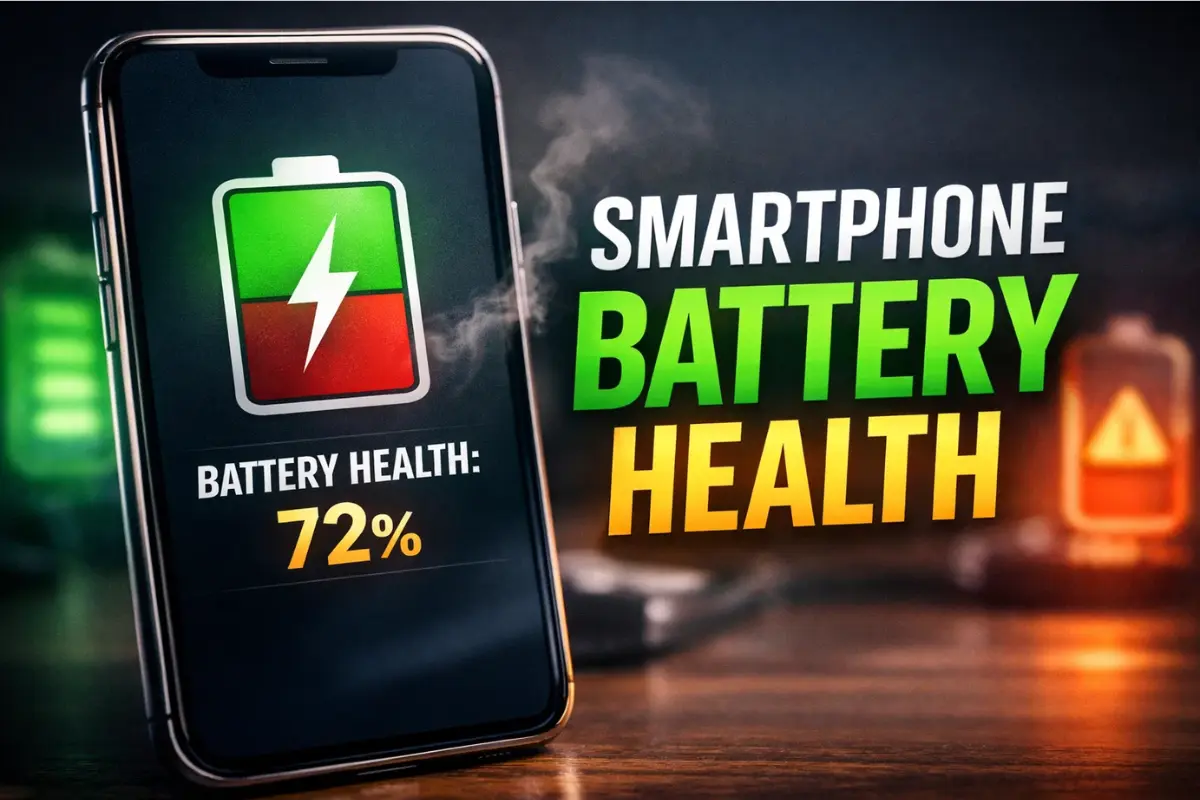
Smartphone battery health is not ruined by one “Oops!! I charged to 100%” day. It gets chipped away by habits that bake your phone with heat, keep it full for hours or pair it with a charger setup that fights battery instead of feeding it. This guide explains the 80% stuff, the PD (Power Delivery) vs PPS (Programmable Power Supply) charger alphabet soup, and the battery health settings worth flipping on iPhone, Pixel & Galaxy.
In 2025, batteries are still lithium-ion, which means the same unsexy rules still win: heat is the villain, and sitting fully charged for long stretches can add wear over time. Apple & Google both frame their battery features around reducing time at full charge and managing aging through software. If you want more mobile coverage beyond this checklist, browse our feed at the Smartphones and Tablets hub.
To ground this in something more scientific than “my cousin said,” here is a rare long-term test that actually tried to measure the fast charging fear. Pay attention to the charts where they compare charging styles over time, not the spicy comments.
Is Fast Charging Killing the Battery? A 2-Year Test on 40 Phones
The practical takeaway is boring which is exactly what you want. Modern phones already manage charging in stages, and brands actively try to reduce battery wear by limiting time at full charge. On iPhone, Optimized Battery Charging can delay charging past 80% in certain situations and newer iPhones can also use a Charge Limit slider (80% to 100%).
Pixel is more transparent than most about what “battery health” means. Google explains charge cycles (partial charges count, too), and says Pixel batteries are designed to retain about 80% capacity up to a rated number of cycles (which varies by model generation). They also recommend charging in a cool environment and using a compatible USB-C PD or PPS charger, which Google politely says “stop using mystery gas station bricks.”
So where does the 80% rule fit? Think of it like tire pressure, not religion. Staying away from “full for hours” can help long term but aggressively limiting yourself to 80% every day might also mean you live on Low Power Mode like a lifestyle. The test lands in the fairly reasonable middle: using the protection when they fit your routine and not sabotaging your daily battery life for tiny theoretical wins, if need be.
Battery Health Protection by Brand (iPhone, Pixel, Galaxy)
| Brand | Setting path | Recommended config | Use 100% when… |
| iPhone | Settings > Battery > Charging (iPhone 15 and later) or Settings > Battery > Battery Health & Charging (older) | If you charge overnight, keep Optimized Battery Charging on. If you mostly sit at a desk, consider an 80% to 90% limit. | Travel days, long navigation, heavy camera use. |
| Pixel | Settings > Battery > Battery health > Charging optimisation | Turn on Charging optimization. Use Limit to 80% when you are near power most days. | Road trips, events, or any day you cannot top up. |
| Galaxy | Settings > Battery > Battery protection | Use Adaptive if you charge overnight, Maximum (80%) if you are at a desk, Basic if you want simplicity. | Days you need a full battery and will not be near a charger. |
Now the charger question: PD vs PPS is basically “does your charger speak your phone’s fast-charge dialect.” WIRED’s breakdown is a good mental model: USB Power Delivery is the standard while PPS (an add-on inside modern PD) helps devices fine-tune power delivery.
PPS matters because it can adjust voltage and current in real time and Belkin notes that this can reduce conversion loss and heat. Less heat is good for battery health and also good for your hands when you pick up the phone mid-charge.
How to Fast Charge: https://www.wired.com/story/how-to-fast-charge-your-phone/
Real-world behavior is where people mess this up. Pixel’s Adaptive and Charging optimisation features can take time to learn your habits, and Google explicitly notes that irregular routines (like travel) can change whether adaptive behavior kicks in. Samsung’s Adaptive battery protection also relies on estimating sleep patterns, so if you are a night owl or a shift worker, you might prefer Maximum or Basic instead of trusting the phone to guess your bedtime.
If you only remember these 3 rules:
- Keep your phone cooler than “dashboard in July.”
- Using the brand’s charging protections when they match your routine.
- Buy chargers that match your device’s fast-charging standard.
Because at the end of the day, batteries are consumables, not moral scorecards and the goal is “less wear” not “never charge to 100% again.”